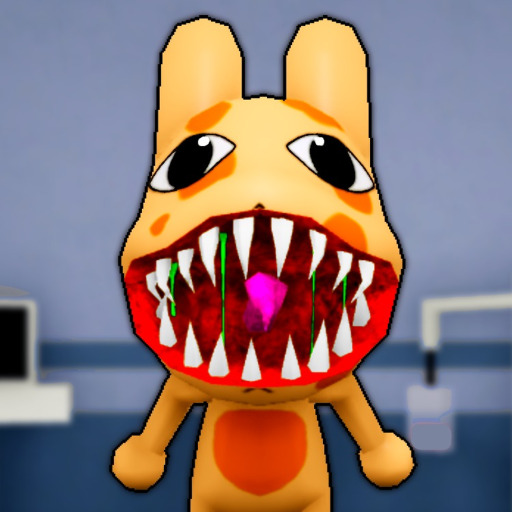
Screen before treatment
Appearance, photo, and CCTV checks come before room choices. If one layer is missing or suspicious, the tool routes you back to anomaly review instead of guessing.
Review anomaly checksRecord the shift stage, screening layers, room label, and Sanity state, then follow a cautious next-action checklist.
Use a safe Animal Hospital shift checklist, anomaly check, treatment lookup, or class picker with explainable fallbacks.
The appearance check is still missing.
Player-entered states only. If the game display differs, follow the live display and check again.
Animal Hospital is built around a night-shift patient loop, so the safest calculator output is a visible next action from what the player has already checked.
Appearance, photo, and CCTV checks come before room choices. If one layer is missing or suspicious, the tool routes you back to anomaly review instead of guessing.
Review anomaly checksWhen the game shows a DNA, X-Ray, heart-monitor, or surgery family, use that room label as the input and keep the in-game display as the final authority.
Open treatment roomsSanity watch states, handoff stages, and end-of-shift choices add caution steps so you finish open checks before moving to the next patient.
Open first-shift guideMost bad calculator outcomes come from mixing observed facts with assumptions. Clear the uncertain field first, then re-enter only what the current server visibly shows.
Anomaly check assistant
This assistant records player observations. It does not promise a complete anomaly list or override the game.
Continue screening
Appearance is not checked yet. Record the next visible observation before admitting or rejecting a patient.
Open the safety guide